Customize Your Pencil Sketch
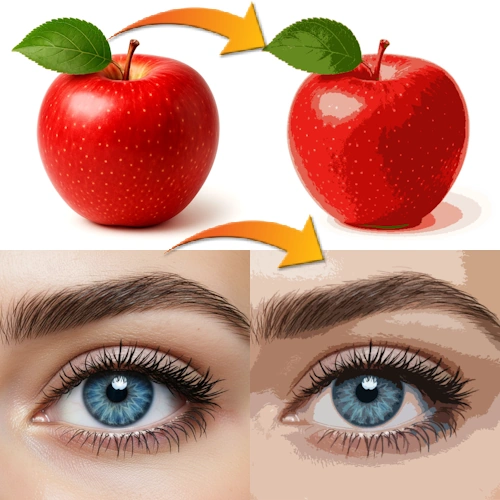
Convert photo to pencil sketch and stencil online for free free. Turn photos into proportional line art in your browser. Adjust sketch intensity manually with a slider. No AI, no watermark, no limits.
How it works
- Upload a photo from your device.
- Adjust Sketch Intencity to control amount of lines and details.
- Download the sketch in the original resolution.
Everything runs locally in JavaScript, so your images stay private and processing is instant.
Who is this tool for?
This photo to pencil sketch converter is useful for artists, students, designers and hobby creators who need clean line art from photos.
- Create drawing references for pencil, charcoal or ink art.
- Generate coloring pages from personal photos.
- Convert photos to stencil
- Prepare images for engraving, laser cutting or tattoo design.
- Practice drawing and shading using accurate outlines.
After downloading your lineart, use our Paint Bucket Tool to fill areas with colors with just 1 click.
If your sketch lines look too dark, you can soften them using our Reduce Image Opacity Online Free tool. This makes the lines lighter and perfect for printing or tracing.
Want white lines on a black background? Download your sketch and invert it using our Invert Images Online Free Tool tool.
If you want to create sketches with gray, black, and even transparent PNG (only the lines) background - in addition to white - subscribe to Sketcher the web application.