Reshape, Distort, and Move Parts of a Photo
Reshape objects in your images with 1 Click without registration for free. Fix proportions and create fun distortions using our tool that works like Smudge tool in Photoshop. No AI, no limits. Images stay private and are processed locally in your browser.


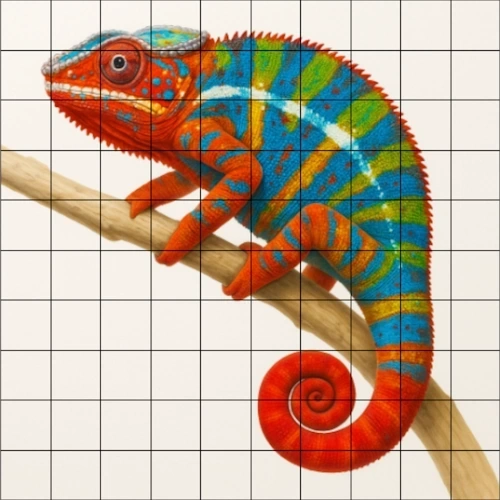

Our Liquify and Warp Images Online tool lets you relocate parts of an image by dragging the interactive brush across the image to push pixels in the direction of your movement. You can adjust the brush size and strength to create subtle corrections or stronger warp effects. Unlike Photoshop's Smudge, this tool preserves significantly more sharpness even at higher strength values.
How to Warp an Image Online
- Upload your image - JPG, PNG, or WebP.
- Adjust brush size - use a large brush for broad warps and a small brush for fine detail work.
- Adjust strength - lower strength gives subtle, natural corrections while higher strength creates stronger distortions.
- Click and drag across the image to push pixels in the direction of your movement.
- Use Undo button to undo latest steps if you don't like the result. Then try again.
- Use Before/After button for comparison. Press and hold the button to instantly view your original photo, then release to return to your edited version - compare as many times as you like.
- Download your result at the original resolution and quality, completely free. We never compress, resize, or blur your photos - what you download is full quality, with no sign-up or payment required.